Our marquee program, first developed in 1998, is getting ready for the biggest change yet. Mac users have seen some of this in the Version 5.9's they've been using over the past year, but  Version 6.0 will have some new features never Version 6.0 will have some new features never  before seen! We'll keep those secret for now, but get ready to be impressed. (Oh, by the way, it'll be FREE!) before seen! We'll keep those secret for now, but get ready to be impressed. (Oh, by the way, it'll be FREE!)
The biggest change can be seen in Translator™ Windows. You can see the new beta by running Translator ALT, installed as part of your Translator update.
 |
Video Available
Translator 6 Windows beta |
 |
Speaking of which, we have a new Translator™ update for both Mac and Windows. (Which is also free.) This includes Mac Lion and Windows 7 compatibility fixes, improvements on the interface, new Recycle export options, and more. This also includes massive improvements on Translator™ ALT Windows, bringing it up to beta status.
Version 5.9 Build 104 (Mac)/2.9 Build 134 (Win) Features and Fixes
- Mac Lion and Windows 7 compatibility fixes
- Container Pane now shows results in Object List when selected with up/arrow keys
- Added Recycle-> Export Styles: Preview/Slice; controls how Recycle files get exported; Slice is more precise but culpable to possible clicks in the slice points; Preview is smoother but is less precise
- Added Recycle-> Slice Fade option
- Added ->Ensoniq envelope option "Percussive Envelope Mode"; sets initial Level to 0 when initial Time is 0, forcing the envelope respond faster
- Changed Favorite folder icons; Virtual Drive category icon
- Translator Windows ALT: Added proprietary drive writing and floppy support; Windows 7 compatibility and look/feel
- Fixed reading of Emu E3/ESi Banks
- Optimized Emu Emax-> conversions; Emax samples now play in the Waveplayer
- Fixed namings of Roland-> from Virtual Drives
- Made reading of MachFive Presets more robust (against corrupted files)
- Fixed translation and viewing ability on PPC Mac's
- Fixed creating Virtual Drives over 4GB
- General Maintenance and minor bug fixes
Translator™ is by far the best and most strenuously supported conversion product on the marker. New builds come out about once a month, and we are constantly improving the internal conversion engine. When there's a new format, or a new version (like Kontakt 4.2) we are there with an update. There just isn't any better conversion product.
Our Motif Creator™ program has been a big hit among Yamaha Motif users. It enables full construction of sampled Motif banks on your computer - quickly, easily, and safely.
So we are making it available to all popular workstation keyboards: Kurzweil, Roland Fantom, Korg Triton/M3, and the Alesis Fusion. They all use the same interface and functionality, they just work for that specific workstation keyboard.
Creators are excellent for taking your studio-produced software Instruments  and taking them out on the road with you. Creator's use the proven Chicken Systems's Conversion Engine that powers Translator, and mapping technology based on Chicken System's Constructor™, and you can drag and drop any format into Creator and have it instantly appear as a Patch! You can also start with an empty Patch, add some samples to it and map them out on the graphical keyboard, and you have a custom split keyboard with the sounds exactly where you expect. and taking them out on the road with you. Creator's use the proven Chicken Systems's Conversion Engine that powers Translator, and mapping technology based on Chicken System's Constructor™, and you can drag and drop any format into Creator and have it instantly appear as a Patch! You can also start with an empty Patch, add some samples to it and map them out on the graphical keyboard, and you have a custom split keyboard with the sounds exactly where you expect.
So when you have a gig coming up, simply open a Creator Document, which represents a Bank, start dropping in your programs and samples, and you can even use ROM patches to put into the correct places. All this takes you 5-10 minutes, depending on the complexity. When you are done, simply write the Bank out as a file, then load into your Workstation. Now you are ready for that gig.
Motif Creator has been shipping since last year, and the other Creators are due out by the end of the summer. If you want a early look at Creator, download the Motif Creator demo and trying making some banks there (you don't need a Motif). You'll get a good idea how it works.
|
Video Available
For a demonstration video of Motif Creator: |
|
There's more movies available at the Chicken System's Movie Site. Keep watching for more information.
 
Product CD's have been going out steadily all year. We have been getting some small shipments in and sending them out to various people who request them, as well as current orders and distribution.
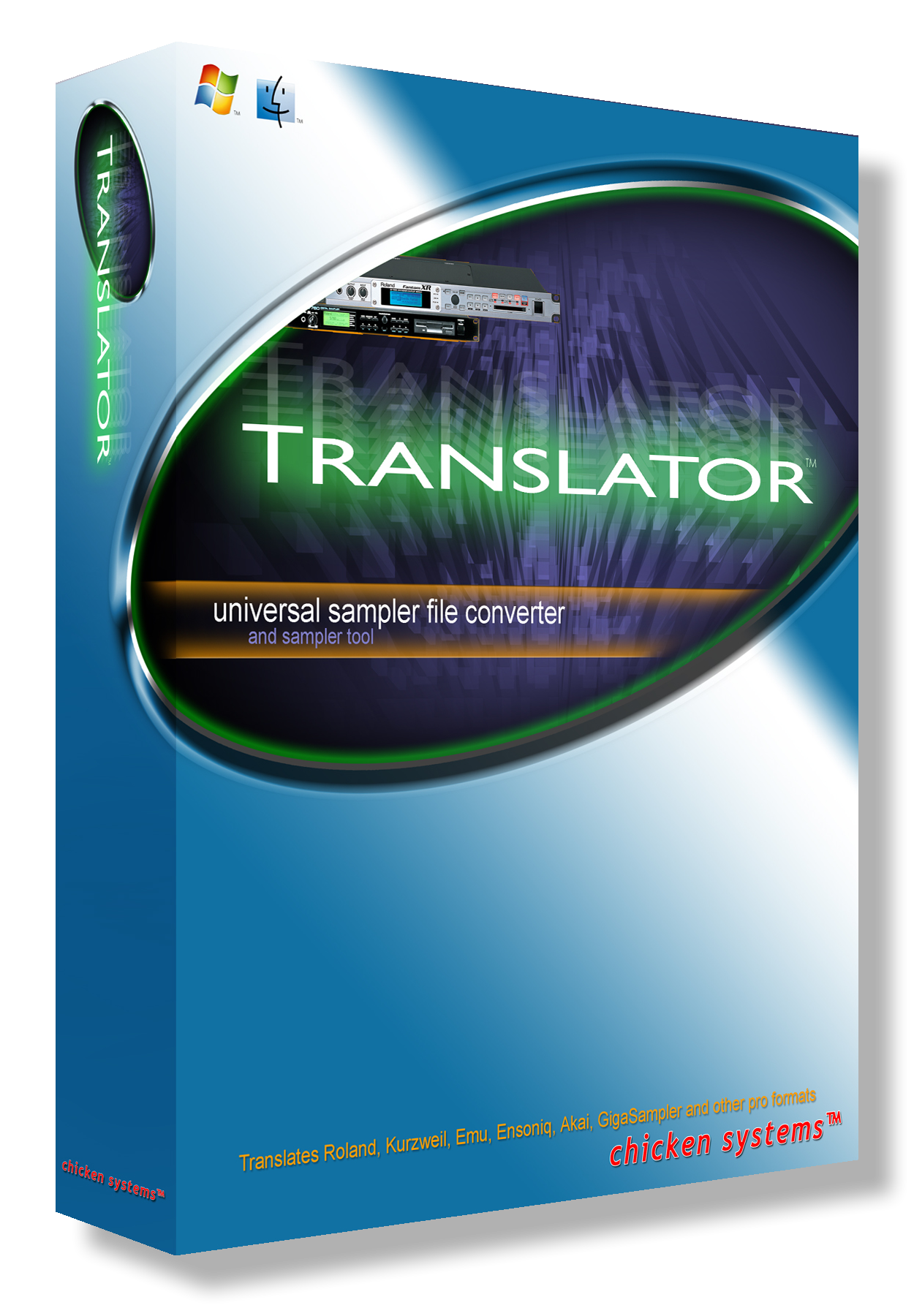
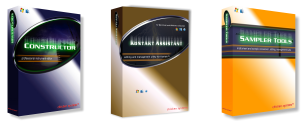
The full pressing for Translator™ will be when version 6 comes out. Other products, such as Constructor™, MV Kit Creator™, Kontakt Assistant™, and Instrument Manager™ will follow shortly. SamplerTools™ will be pressed when the interface is completed.
For more info, click below at the CD Status link.
We're here to help! If you have any questions, don't hesitate to email us at [email protected], or call 800-877-6377 or 320-235-9798 to speak with an engineer, or Chat at our link at www.chickensys.com. We'd be happy to talk with you and answer your questions and help in any way possible.
|