
|
Sound Database |
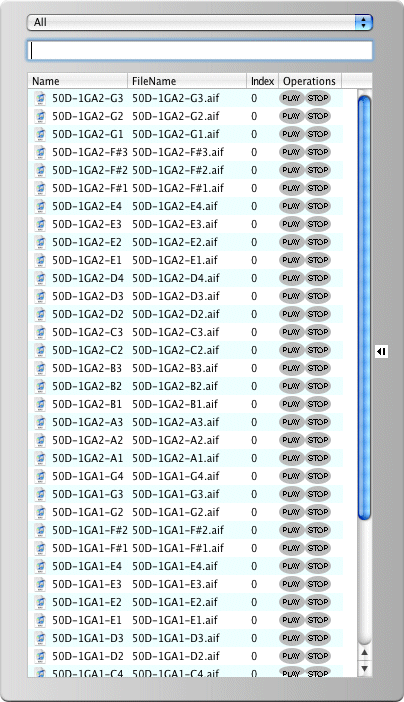
The Sound Database allows you to view items in your database, and drag items out of the window into the Pads on the Main Interface. The pulldown menu at the top allows you to choose the preset areas, or all the entries. The text area below allows you to include keywords in your filtering. The list has four columns:
The Sound DataBase Editor allows you to manipulate your Database in more powerful ways. For more specific information on how to use the Sound Database, see the article Using Your Sound Database.
|
 |