
|
Editor - Element |
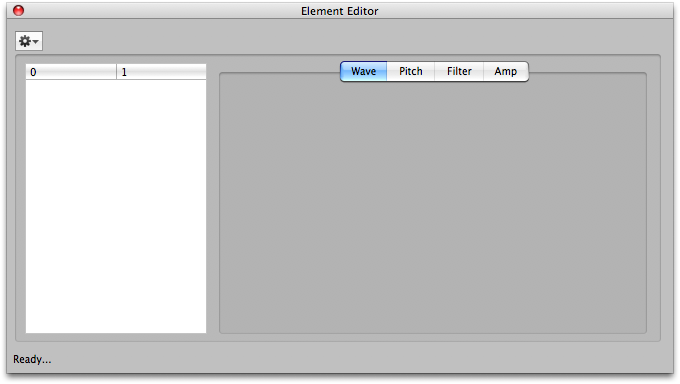 This exposes the Waveform assignment for that Element and all the Element-level parameters. The Element parameters on the Motif are usually the most significant. You can change the Element's assignment and edit any of the parameters.
Please note that until you close the dialog, none of the changes you make are permanent. If you make changes, and try to close the dialog, it will ask you if you want to save your changes. (This can be turned off in Preferences-General.) Also remember that even if you "save" those changes, your Motif Document still can be reverted to its original state.
The are knob widgets to control most of the common parameters. There are also graphical envelope widgets to customize the envelopes.