
|
Editor - Part |
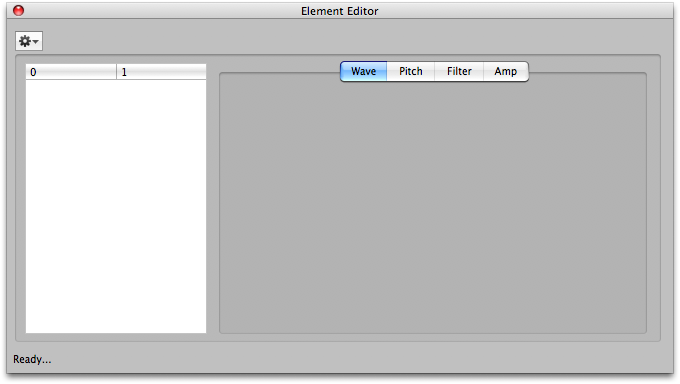 The Part Editor shows all the Parts assigned to the selected Combi and performs much like the Part List on the Main Screen. You can "prepare" a Part here. Additionally, you can also invoke the Sample Editor for a specific Sample in the Multisample from this Editor.
Please note that until you close the dialog, none of the changes you make are permanent. If you make changes, and try to close the dialog, it will ask you if you want to save your changes. (This can be turned off in Preferences-General.) Also remember that even if you "save" those changes, your Korg Document still can be reverted to its original state.
The are knob widgets to control most of the parameters.